Six Best Resume Builder Apps for Mobile in 2026
This article may contain affiliate links. If you sign up through one, I may earn a small commission at no extra cost to you. The opinions here are based on my own testing.
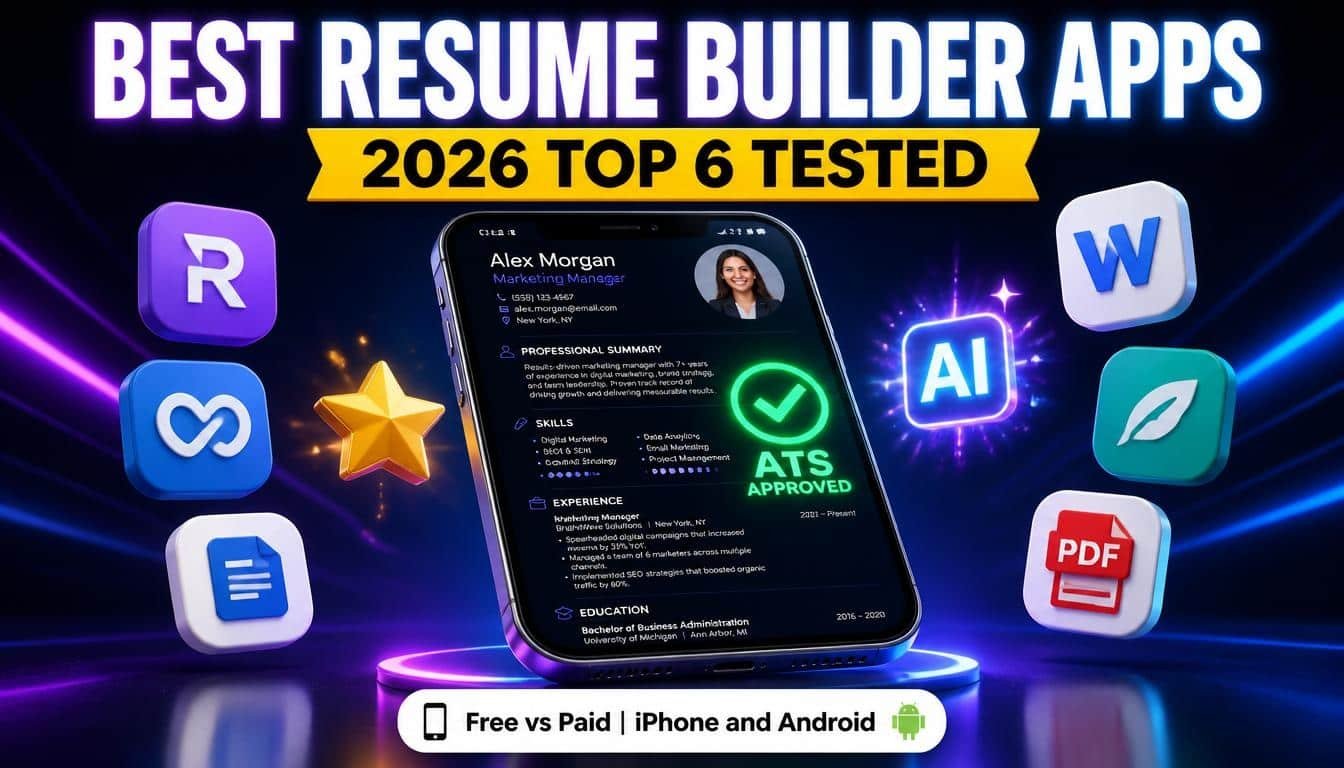
Most people job hunt on their phones, so it makes sense to build a resume there too. The problem is that searching “resume builder app” in the App Store or Google Play returns hundreds of results. Some are genuinely great, while others are not. This article covers the six best resume builder apps for mobile in 2026 for both iPhone and Android, and which ones work as a free resume builder app and which only claim to.
Main Factors I Was Paying Attention To
These are the main factors I considered while testing:
- Do the templates look ATS friendly, or are they only visually appealing?
- Can you build a resume with your thumbs as easily as with a mouse and keyboard?
- Does the AI resume builder tool help, or is it just there?
- Does the PDF come out looking the way it did in the app?
- Can you import your LinkedIn profile or old resume, or do you have to retype everything?
- What extra features do these apps offer to make job hunting easier?
Kickresume
Kickresume is free to download, and I could create and export as many resumes as I wanted using the free features. Premium features are labeled inside the app, so it is always clear what costs extra.
Templates
The free plan includes four templates, and one of them is an ATS friendly resume template designed specifically with applicant tracking systems in mind. All four are simple, single column, and free of designer embellishments, so applicant tracking systems should read them without trouble. The 36 plus premium templates vary in design, but they are all stylish without being overly designed, so any of them is a safe choice.
Editing
Navigating the app felt intuitive, with no obstacles and no pop-up ads. Instead of typing directly into the document, you fill out a form section by section, and every change appears on the resume in real time. The design tab lets you adjust margins, font size, and other details, and everything worked smoothly.
The AI Resume Builder
Kickresume’s mobile app has a full AI resume builder that can generate an entire resume. I typed in my job position and the company name, and a few seconds later the resume was ready. The quality was good. You can choose from four different voices and three different structures, so the result does not read like a typical resume generator. I then edited it myself, adding details only I know, such as numbers and project names, and cutting what did not sound like me. The app also lets you generate or rewrite your resume section by section.
Exporting and Importing
Exporting was painless. The downloaded file looked exactly like it did in the app, with no distortion or missing text. The mobile app is also connected to the desktop version, so you can work on the same resume in both places. The app also lets you import your resume straight from LinkedIn. I pasted in my LinkedIn URL and seconds later had a resume built from my existing profile. That is a major timesaver.
Extra Features
Kickresume is more of a job hunting toolkit than a resume-only app. In the app, you can create a cover letter or a resignation letter. You can also run your resume through an ATS resume checker and tailor it to a specific job ad. Kickresume also offers instant AI feedback on your resume, resume translation, and practice interview questions.
CV Engineer
CV Engineer was made by a professional recruiter. The app is free to download, though it shows a few ads.
Templates
All the templates look clean and simple, which is good for ATS compatibility, but they look similar to one another. The one thing to watch out for is the photo option. The app lets you upload a photo, crop it, and apply filters, but this is best avoided. Applicant tracking systems usually struggle with photos, so save your best picture for LinkedIn.
Editing
Editing on my phone was straightforward. I filled in my information section by section, and the app handled the formatting. You can add custom sections with your own titles and adjust the font size and margins to fit everything on one page. There is also a dark mode. The AI works more as an editor than a writer. It will not generate a whole resume, but it can rewrite your work experience, personal statement, and skills to sound more professional.
Examples and Advice
The examples and advice are CV Engineer’s signature feature. Every section comes with step-by-step tips, example text for many professions, and embedded videos. This is especially useful if you are writing your first resume. The exported PDF looked just like the resume I built in the app. One limitation is that the app let me download my resume only twice before asking me to upgrade. All apps need to make money somehow, but this matters if you like tweaking your resume for every job you apply to.
Extra Features
Besides the resume builder, CV Engineer offers a resume scan that checks for common mistakes, including spelling and grammar, before you send it out. It also includes a job search and a resignation letter maker.
VisualCV
VisualCV offers a good variety of resume templates, including a few clean and simple ATS friendly options.
Editing
Editing is where I had some issues. It is not bad, and I did not run into glitches, but the form is quite text-heavy, which is a matter of personal preference. You also cannot see your resume as it will look until you download it. There is a preview mode, but it does not show how your content will look on an actual A4 page, so you are working blind until the end.
AI and Downloading
VisualCV will not generate an entire resume in one click, but it can generate your resume section by section with AI. The content was standard and unremarkable. You can download a PDF for free, but it carries a large VisualCV watermark across the page. This makes it a poor fit if you want a free resume builder and download, because sending the resume to an employer requires upgrading to the pro version. VisualCV lets you import your information from LinkedIn or upload an existing resume as a PDF or Word file.
Extra Features
The extra features in VisualCV are interesting. The share and track feature is genuinely unique. You can publish your resume online, share it as a link, and see how many people viewed or downloaded it. The career journal is another standout feature. It lets you record your accomplishments and goals and track your progress over time, which is useful when you need to update your resume or ask for a raise.
MyPerfectResume
MyPerfectResume is made by Bold, the same company behind Zety and Resume Now.
Templates
There are dozens of templates, and some are built to pass through applicant tracking systems. They are clean and modern, with the bold look typical of the brand. If you have used Zety, you will recognize them right away.
Editing
Instead of filling in a form on your own, the app walks you through each resume section with a series of questions about education, work history, and skills, one step at a time. It even recommends which resume format best fits your work experience. This takes longer than filling everything in yourself, but it helps if you are new to resume writing. The editor works well, with no glitches or freezes. I did not find an AI button anywhere in the app, but you get plenty of pre-written bullet points for work experience and skills, so you are never staring at a blank page.
Pricing and Downloading
The MyPerfectResume mobile app does not offer a free trial. Instead, you get 30 days of full access at a reduced price. After those 30 days, it auto renews at nearly 7 times the price. The app is transparent about this, but set a reminder to cancel if you only need one resume. On the free plan, you can only download a plain text file with no formatting. There is no LinkedIn import, but you can upload your existing resume and continue working with it in the app.
Extra Features
With the paid upgrade, MyPerfectResume also lets you create a matching cover letter and build a professional online portfolio with your own personalized URL, which is useful if you want something to share beyond a PDF.
Canva
Canva is not primarily a resume builder. It is a design app that also makes resumes, so the experience differs from the other apps on this list.
Templates
Canva has a huge library of resume templates, and many look great. However, many use two columns, text boxes, icons, and skill bars, which applicant tracking systems struggle with. The simple single column templates hold up much better. If you are applying through an online portal, keep it plain, and save the fancy designs for handing your resume to someone in person.
Editing
Editing in Canva is different from the other apps. There is no form to fill in. You edit directly on the design by tapping into text boxes and moving elements around. This gives you total creative freedom, but on a phone screen it can feel fiddly. For bigger layout changes, switch to a laptop. Canva also has AI. Magic Write can help you draft or rewrite text such as a summary or bullet points. The free plan includes a limited number of AI uses each month, and because Canva is not built specifically for resumes, the AI output can be repetitive, basic, and obviously AI-generated.
Exporting and Importing
You can download your resume as a PDF for free with no watermark. Stick to the free elements, because anything marked pro will not come through unless you upgrade. After downloading, try selecting the text in your PDF. If you cannot, the text was flattened into an image, and an ATS may not be able to read it, so always double check. There is also no LinkedIn import, and you cannot upload older resumes. In most cases you will type or paste your information yourself, which is manageable for one resume but a bigger issue if you are applying to many jobs at once.
Extra Features
Canva shines in everything around the resume. You can use a matching cover letter template, create a LinkedIn banner, or turn your resume into a portfolio website. You can also invite a friend to leave comments. Since everything is in the cloud, you can start on your phone and finish on your laptop, as with Kickresume.
Google Docs
Google Docs is not a resume builder, but so many people use it for their resumes that it deserved a test.
Templates
Google Docs has a handful of built-in resume templates. Some are simple and ATS friendly, while others use colored accents, unusual fonts, or side-by-side layouts that could trip up a tracking system. I chose the plainest template I could find.
Editing
This is where the difference was biggest. There is no form and no set of sections. You type straight into the document, which means a lot of zooming in and out. Bullet points, spacing, and alignment are all up to you. This works for quick fixes, but building a whole resume from scratch on a phone took much longer than in the other apps. Google Docs does have AI. “Help me write,” powered by Gemini, can draft bullet points or rewrite a sentence to sound more professional. It is a decent tool, but it is not built for resumes, so I still had to do most of the work myself.
Exporting and Importing
Exporting is completely free. You can save your resume as a PDF or Word file with no watermark and no paywall. The option is somewhat hidden under the three dots in the share and export menu. The PDF looked the same as the document. Watch for extra line breaks at the end, which can create an empty second page. There is no LinkedIn import, but you can open an old resume as a Word file and keep editing it in the app.
Extra Features
Google Docs is not a job hunting toolkit, but it has a few useful perks. You can share your resume with a friend and let them leave comments. Version history saves every change, so you can always return to an older version. Since everything is stored on Google Drive, your resume is available on all your devices.
Final Rundown
If you want one app that does it all, with ATS friendly templates, an AI resume builder that actually writes for you, free PDF downloads, an ATS resume checker, and a full job hunting toolkit, Kickresume is my top pick for a resume builder app. I am admittedly biased, but the app is available on both iPhone and Android, so you can try it for yourself. Good luck with your job hunt.